Volume Booster
A free Chrome extension for local volume (0–600%) and playback-speed (0.5–2×) control of supported HTML audio and video in the current tab.
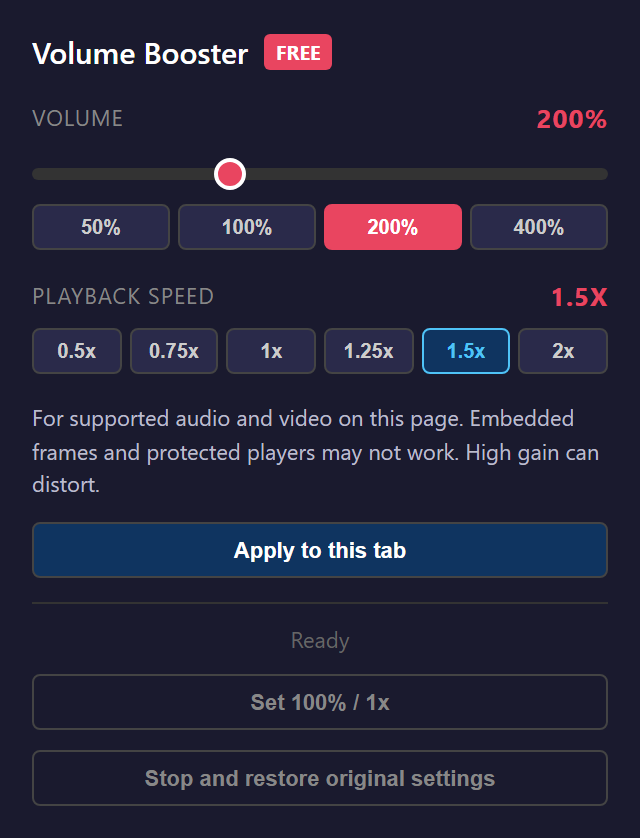
Product experience
Volume Booster is a free Chrome extension for when the browser's own volume control isn't enough. It raises the audio and video in your current tab up to 600% and slows or speeds playback from 0.5× to 2× — useful for quiet videos, fast-forwarding through filler, or following dense narration.
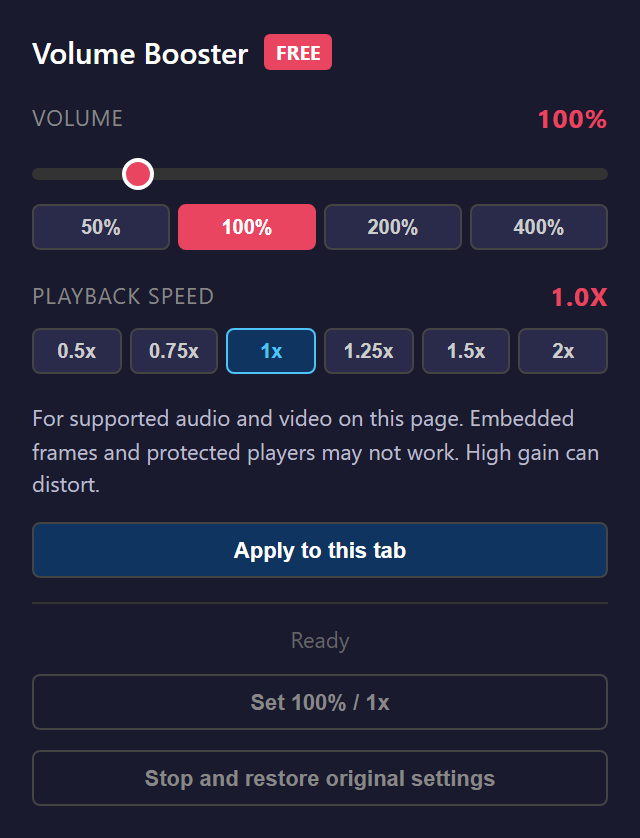
What you can do
- Boost tab audio/video volume from 0% to 600% with quick presets (50 / 100 / 200 / 400%).
- Control playback speed from 0.5× to 2× for supported HTML audio and video.
- Apply to the current tab, then stop and restore each element to its original settings.
- Remembers your last preferences locally so they persist across sessions.
How it works
It binds directly to the page's top-frame audio and video elements and routes their gain and speed through the Web Audio API. Preferences are stored locally in the browser. Supported scope: top-frame HTML audio/video. Cross-origin frames, shadow DOM, and DRM-protected players are not supported, and raising gain can clip.
Privacy & local operating model
Runtime permissions only (activeTab, scripting, storage): audio processing stays inside the tab, with no mic capture, uploads, or telemetry.
Current preview scope
Version 1.1.0, an internal verification candidate. Store publication has not started yet. Verified on Windows + Chrome; other operating systems and sites are unverified.